 Vidiyo
Live TV under your name.
On the web and on apps.
Launch a site and optional store apps with your logo, your domain, and only your channels. Keep creating in Vidiyo Studio. Viewers see you, not us.
Going live under your name needs access from our team. Contact support when you are ready.
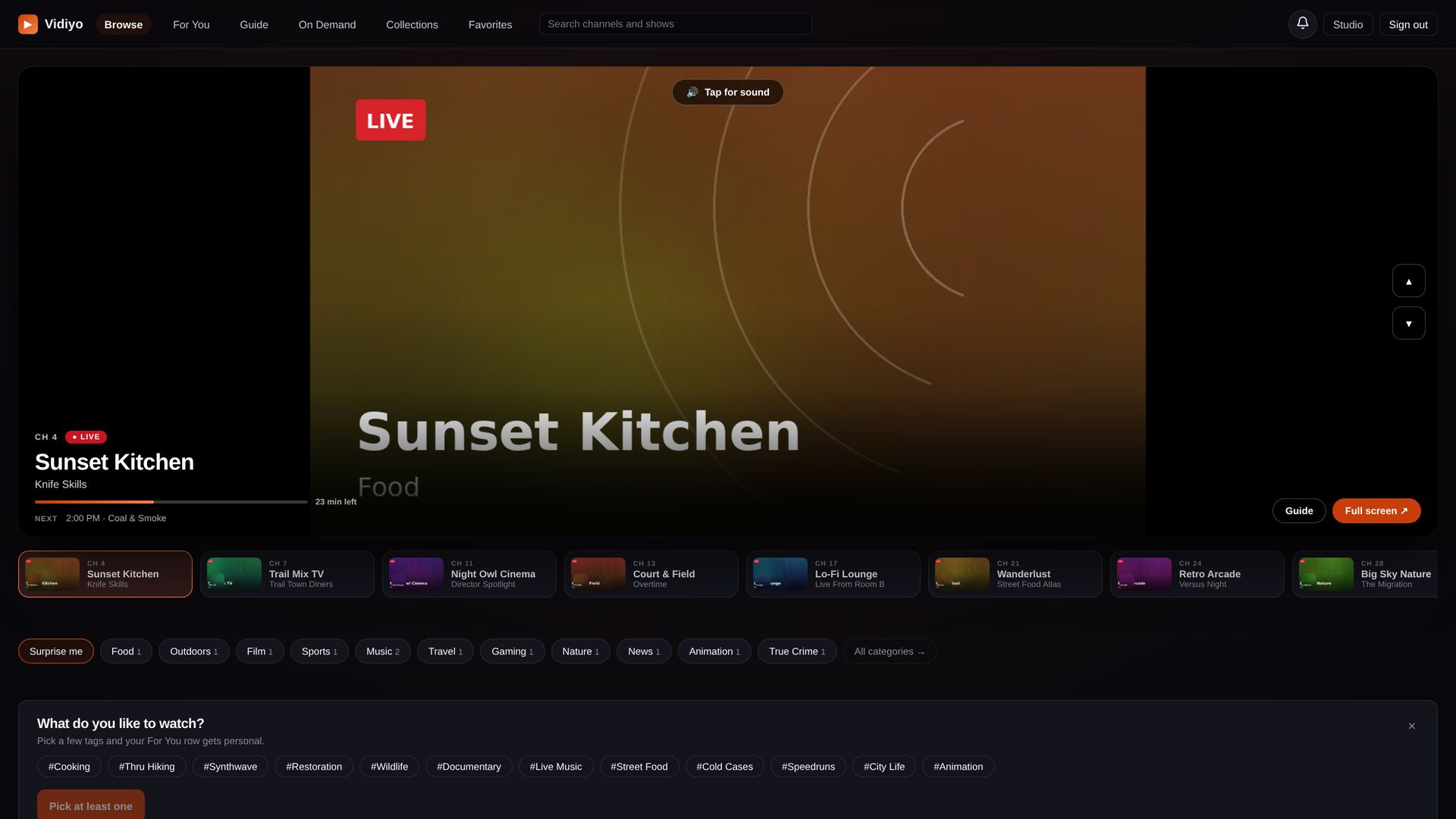
Everything viewers see
carries your brand.
One setup controls your logo, colors, which channels appear, your domain, and optional store apps. Your channels can stay on Vidiyo too.
Only your channels
Search, guide, and playback show the channels you pick. Nothing else from Vidiyo appears on your site.
Your own domain
Start on a Vidiyo subdomain. Point your own domain at it when you are ready. Guests never land on the main Vidiyo browse by accident.
Look and feel
Set display name, logo, colors, legal links, and how home, guide, and the player look.
Studio stays Vidiyo
Upload, schedule, analytics, and earnings stay in the studio you already use. Your brand is for viewers.
Apps when you are ready
Today: viewers watch on the web under your brand. Next: store apps that open with your name and logo. We ship those when your launch checklist is ready.
Built for builders
Manage your brand with the REST API or MCP tools, and limit browse results to your channels. Details live in the developer docs.
Three steps
to go live.
1. Ask for access
Creating stays free. When you want to publish under your brand, contact support and we turn it on.
2. Set up Your brand
In the creator Studio under Your brand, add name, logo, legal links, and which channels appear. Preview on a Vidiyo subdomain we give you.
3. Publish and connect a domain
Publish when ready. Point your domain at the address we show you (a simple DNS record). Optional: buy a domain through Vidiyo when that is available on your account.
Built for people who run channels.
Ads and filler
Same ads and revenue share as Vidiyo. When an ad does not fill or the schedule has a gap, your own short video plays instead. No Vidiyo logo in your player.
Sign-in on your domain
Viewers use one Vidiyo account. Sign-in on your domain keeps the session on your site.
Exclusive option
Hide your channels from Vidiyo browse while they stay live on your brand.
Leave cleanly
Export your settings, pause the brand, and remove custom domains. Your content and channels stay yours.
Ready to put
your name on it?
Create for free today. When you want a site and apps under your brand, ask support for access and publish from Studio → Your brand.